Samsung Smart TV Frozen on Startup? Get it Fixed in Colombo
Estimated reading time: 6 minutes
- Understand why your Samsung TV may be frozen on startup.
- Learn the common causes of a frozen startup screen.
- Discover professional solutions from WeFix.lk in Colombo.
- Find out about preventive measures to avoid future issues.
- Get in touch with WeFix.lk for expert repair services.
Table of Contents
- Why Is Your Samsung TV Frozen on the Startup Screen?
- Symptoms You Will Notice
- Why DIY Fixes Often Fail
- Professional Diagnosis at WeFix.lk
- Our Repair Process Step by Step
- Prevention Tips for Samsung TV Owners
- Why Professional Service Matters
- About WeFix.lk – Your Trusted TV Repair Experts in Colombo
- Need Your Samsung TV Fixed in Colombo? Contact WeFix.lk Today
Why Is Your Samsung TV Frozen on the Startup Screen?
When your Samsung TV gets stuck on the startup screen, it is typically caused by one of several underlying issues. Understanding the root cause is the first step toward getting your TV working again.
Software Corruption or Firmware Failure
The most frequent cause of a frozen Samsung TV is corrupted system software. This can happen after an interrupted firmware update, a sudden power cut while the TV was updating, or even a minor glitch in the Smart Hub system. When the operating system files become damaged, the TV cannot complete its boot sequence and remains stuck on the logo screen.
Faulty Mainboard
The mainboard is the brain of your television. If capacitors on the board have blown or if there is a short circuit in the processing unit, the TV will fail to initialize properly. In Colombo’s humid climate, electronic components can degrade faster than expected.
Power Supply Issues
Sometimes the problem is not with the mainboard itself but with the power supply board. If the standby voltage is unstable, the mainboard may not receive enough power to complete the startup process. This can cause the TV to appear frozen on the logo even though power is reaching the screen.
Smart Hub Cache Overload
In some cases, the Samsung Smart Hub cache becomes overloaded with temporary data from apps, streaming services, and updates. This can prevent the interface from loading fully, leaving you stuck on the boot screen with no way to navigate further.
Symptoms You Will Notice
If your Samsung TV has a frozen startup issue, you will notice one or more of the following symptoms:
- The Samsung logo appears on screen and never disappears.
- The TV turns on but shows a black screen after the logo.
- The power button is unresponsive during startup.
- The remote control does not work until the TV fully boots (which it never does).
- You hear sound but see no picture, only the frozen logo.
- The TV repeatedly restarts in a boot loop.
These symptoms can be alarming, but they do not necessarily mean your TV is beyond repair. Many of these issues are reversible with professional diagnosis.
Why DIY Fixes Often Fail
We understand the temptation to search YouTube for a quick fix or attempt a factory reset on your own. However, DIY approaches often make things worse.
The “Unplug and Wait” Myth
Many online guides tell you to simply unplug the TV for 10 minutes and plug it back in. While this can resolve temporary glitches, it rarely fixes a frozen startup caused by corrupted firmware or a failing mainboard. After reconnecting, most people find the same Samsung logo staring back at them.
Risky Firmware Reinstallation
Downloading firmware from unofficial sources and attempting to install it via USB can permanently brick your TV if you use the wrong file version. Samsung TVs are sensitive to firmware compatibility, and a mismatch can render the mainboard completely unresponsive.
Opening the TV Without Tools
Opening a modern Samsung TV requires specialized tools and knowledge of static discharge precautions. Touching the wrong component can cause further damage, and voiding your warranty is almost guaranteed.
The Smart Hub Reset Shortcut
Some users attempt the “Smart Hub Reset” trick by pressing specific buttons on the remote. However, if the TV is frozen before the Smart Hub even loads, this method will not work. You need a technician who can access the service menu directly.
Professional Diagnosis at WeFix.lk
When you bring your Samsung TV to WeFix.lk in Colombo, our technicians follow a systematic diagnostic process to identify the exact cause of the frozen startup.
Step 1: Visual Inspection and Capacitor Check
We begin by examining the power supply board and mainboard for visible signs of damage. Burnt capacitors, swollen components, or blackened solder joints are immediate red flags that we can spot within minutes.
Step 2: Voltage Testing
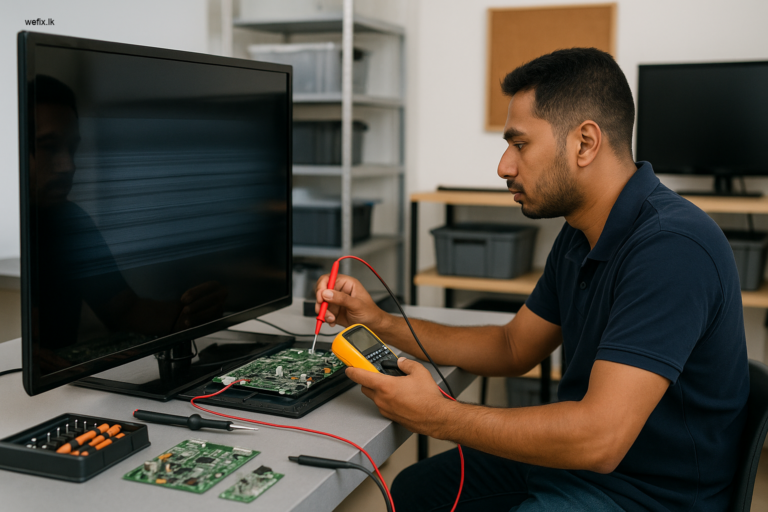
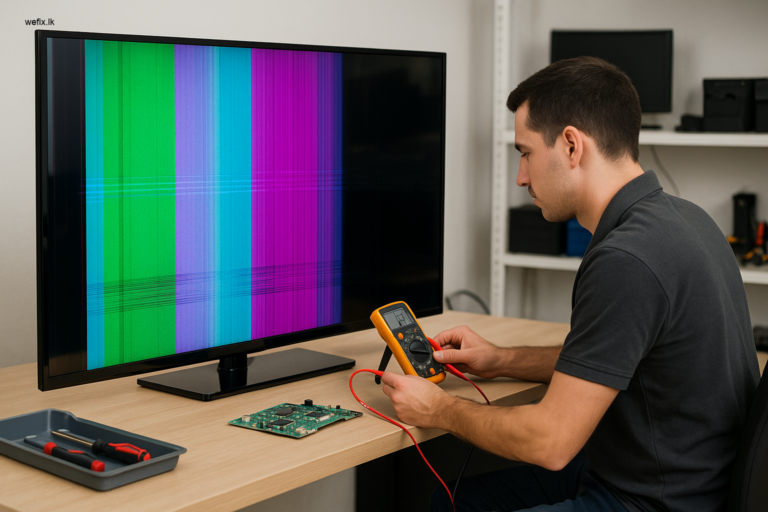
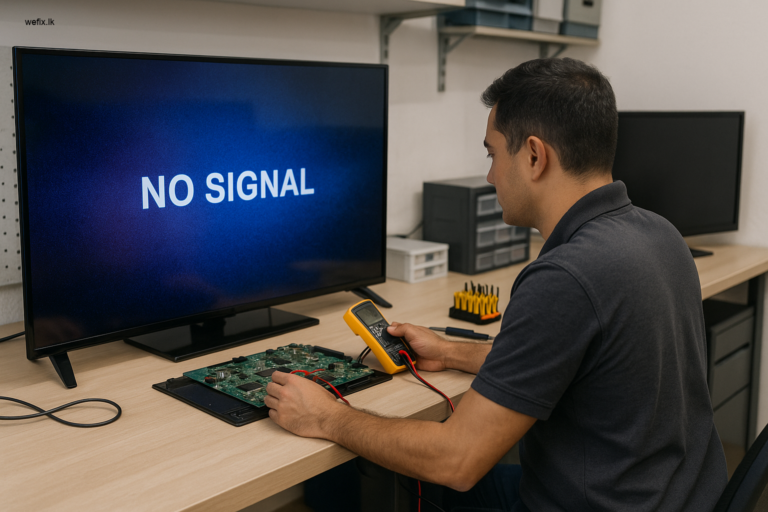
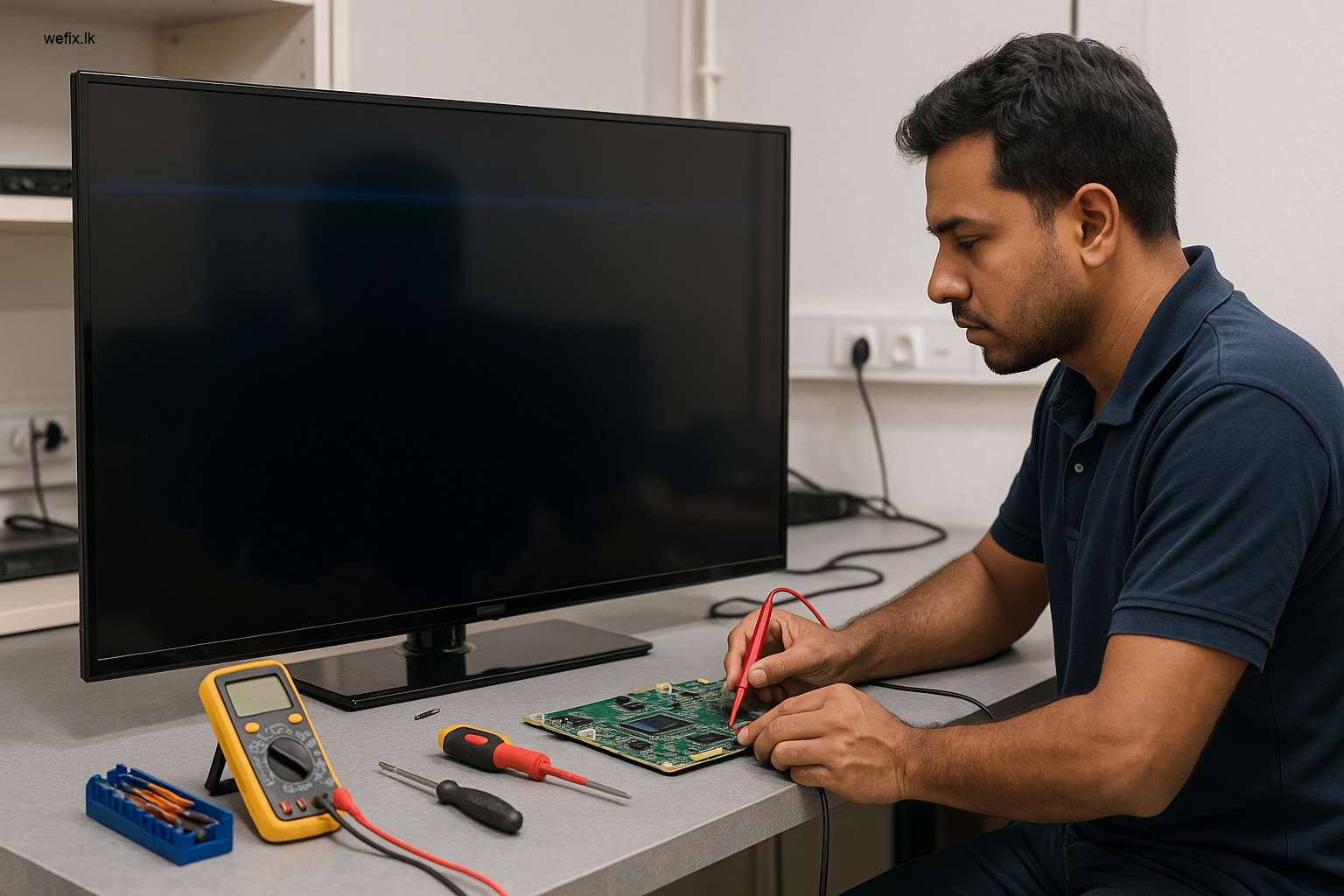
Using a multimeter, we check the standby voltage (usually 5V or 3.3V) and the main power rails. If voltages are out of specification, we narrow the problem to the power supply board.
Step 3: Firmware Recovery Attempt
If the hardware appears healthy, we attempt a firmware recovery using Samsung’s official recovery protocol. This involves loading the correct firmware via USB while the TV is in recovery mode. Our technicians have access to a verified library of Samsung firmware files for models sold in Sri Lanka.
Step 4: Mainboard Testing
If firmware recovery fails, we test the mainboard’s memory chips and processor. Using diagnostic software, we can determine whether the EEPROM chip or NAND flash memory has failed.
Step 5: Panel and T-Con Board Check
In rare cases, a frozen startup can be caused by a short circuit in the panel itself or the T-Con board. We test these components last to rule out any panel-level damage.
Our Repair Process Step by Step
Once we identify the issue, our repair process is transparent and efficient.
Software Repairs
For software-related frozen startups, we perform a full firmware reflash using official Samsung tools. This clears corrupted data and restores the TV to factory condition. In most cases, the TV boots normally within 30 minutes of this procedure.
Mainboard Repairs
If the mainboard is faulty, we do not always replace the entire board. Our technicians can often repair specific components such as:
- Replacing blown capacitors
- Resoldering cracked BGA chips
- Replacing voltage regulators
- Reprogramming the EEPROM chip
This component-level repair saves you the cost of a full board replacement and is faster than waiting for a new board to arrive.
Power Supply Board Replacement
If the power supply board is damaged beyond repair, we replace it with a genuine or high-quality compatible board. We always test the new board under load before closing the TV.
Full Testing and Calibration
After the repair, we run the TV through a complete test cycle. We check the startup time, HDMI ports, USB ports, Smart Hub functionality, and picture quality. Only when everything is working perfectly do we return the TV to you.
Prevention Tips for Samsung TV Owners
While some issues are unavoidable, you can reduce the risk of your Samsung TV freezing on startup with these simple habits:
Use a Voltage Stabiliser
Power fluctuations are common in Colombo and can damage your TV’s mainboard. A good-quality voltage stabiliser or UPS protects your TV from surges and brownouts.
Avoid Interrupting Updates
Never turn off your TV or unplug it during a firmware update. Wait for the update to complete fully, even if it takes longer than expected.
Keep the TV Ventilated
Overheating can cause components to fail prematurely. Ensure your TV has adequate airflow around it. Do not block the ventilation grilles with decorations or furniture.
Unplug During Thunderstorms
Lightning strikes can send power surges through your home’s electrical system. Unplugging your TV during storms is the safest protection.
Schedule Regular Maintenance
A yearly check-up by a professional technician can catch early signs of component wear before they cause a complete failure.
Why Professional Service Matters
Attempting to repair a frozen Samsung TV yourself can lead to permanent damage, and you may end up spending more money in the long run. Professional service from WeFix.lk offers several advantages:
- Accurate Diagnosis: We do not guess. We test every possible cause systematically.
- Genuine Parts: We use only high-quality replacement components suitable for Sri Lankan conditions.
- Warranty Protection: All our repairs come with a service warranty, giving you peace of mind.
- Home Visit Option: We can come to your home in Colombo, saving you the hassle of transporting a large TV.
- Cost-Effective: Our repairs cost a fraction of what a new TV would cost, and often extend the life of your television by years.
About WeFix.lk – Your Trusted TV Repair Experts in Colombo
WeFix.lk has been serving the Colombo community with reliable electronics repair and technology services for years. Our team comprises experienced technicians who specialise in Samsung, LG, Sony, Hisense, and TCL televisions. We understand the specific problems that affect TVs in Sri Lanka’s climate and power conditions.
Beyond TV repairs, we also provide a full range of business technology services including POS billing systems for restaurants and retail shops, WhatsApp AI chatbot automation, custom CRM solutions, and website development. Whether you need a TV fixed at home or a complete business automation system, WeFix.lk is your one-stop solution in Colombo.
We take pride in our transparent pricing, honest assessments, and quick turnaround times. When you contact us, you speak directly with technicians who understand the problem and can give you a realistic solution.
Need Your Samsung TV Fixed in Colombo? Contact WeFix.lk Today
Do not let a frozen startup screen ruin your entertainment. The problem is almost always fixable, and our team in Colombo is ready to help.
Call or WhatsApp us now to schedule a diagnosis or home visit.
Our technicians will arrive with the right tools and parts to get your Samsung TV working again, often on the same day. We serve all areas of Colombo and surrounding suburbs.
Contact WeFix.lk today – your TV is in safe hands.
Products Related to this Article: