
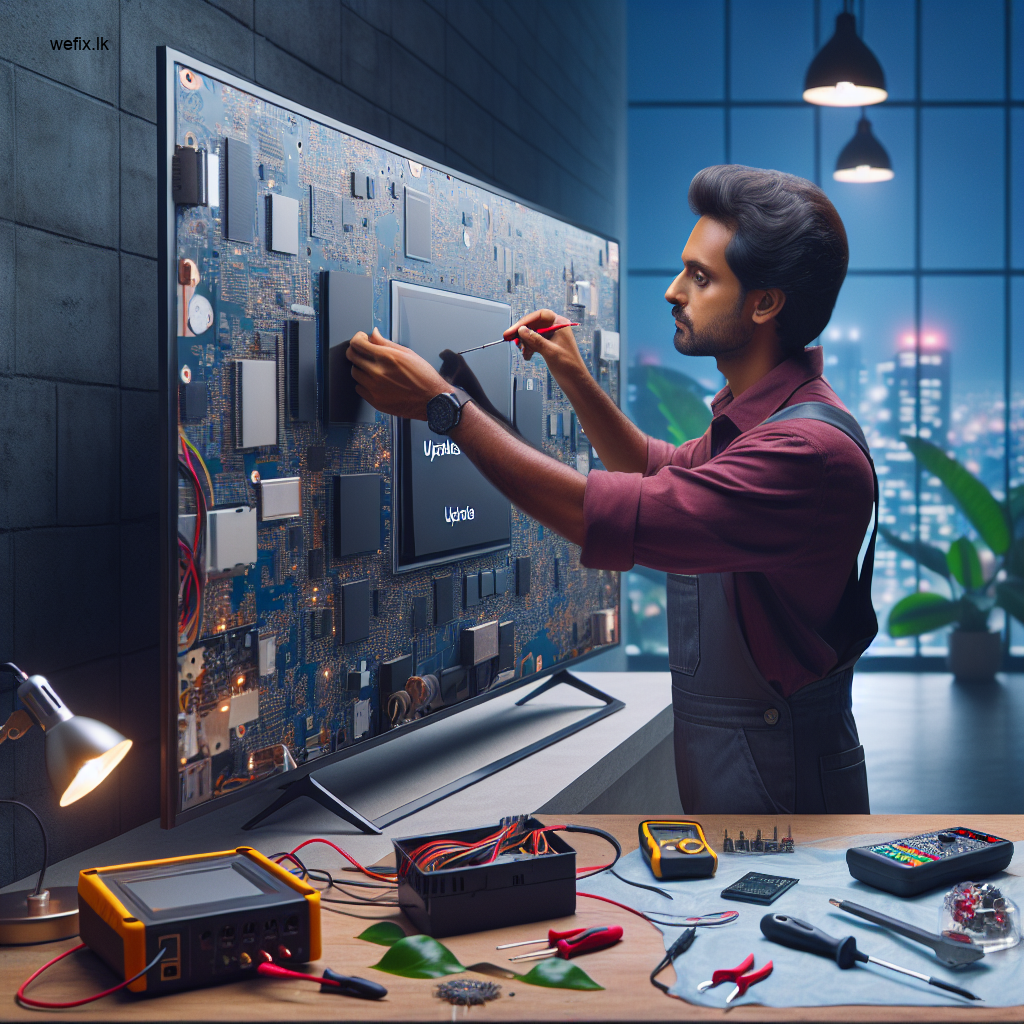
LG Smart TV Stuck on Update Screen? Colombo Fix Solutions | WeFix.lk
Estimated reading time: 6 minutes
- Discover common causes for LG Smart TV update issues.
- Learn about professional diagnostic techniques at WeFix.lk.
- Understand the risks of DIY fixes and why professional help is better.
- Explore our thorough repair process to resolve issues efficiently.
- Access preventive tips for smoother future updates.
Table of Contents
- What Causes an LG Smart TV to Get Stuck Updating?
- Symptoms You’ll Notice When Your TV is Frozen
- Why DIY Fixes Often Fail (And Can Make It Worse)
- How WeFix.lk Professionals Diagnose the Issue
- Our Step-by-Step Repair and Solution Process
- Prevention Tips for Future Updates
- Why Professional Service is Crucial for Smart TV Issues
- About WeFix.lk: Your Colombo-Based Tech Solution Experts
- Get Your LG Smart TV Fixed Today!
What Causes an LG Smart TV to Get Stuck Updating?
Understanding the root cause is the first step to a fix. An LG TV getting stuck on an update screen is rarely a sign of permanent failure. It’s typically a software hiccup during a critical process. Common causes we see in Colombo homes include:
- Unstable Internet Connection: Wi-Fi dropouts or slow speeds during the download phase can corrupt the update file.
- Power Interruption: A sudden power cut or someone accidentally unplugging the TV while updating is a primary culprit.
- Insufficient Storage: The TV’s internal memory might be too full to properly unpack and install the new software.
- Server-Side Issues: Occasionally, LG’s update servers themselves might have a problem, sending a faulty file.
- Underlying Hardware Fault: In rarer cases, a failing mainboard or eMMC storage chip can prevent the software from installing correctly.
Symptoms You’ll Notice When Your TV is Frozen
You’ll know your LG Smart TV is stuck if you see any of the following:
- A static “Software Update” or “Updating…” screen that doesn’t progress for over 30 minutes.
- A progress bar that is completely frozen, not moving at all.
- The TV is completely unresponsive to the remote control or physical buttons.
- The screen may go black but the TV’s power light remains on (often solid or blinking).
- The TV may repeatedly reboot and return to the same update screen.
Why DIY Fixes Often Fail (And Can Make It Worse)
When you search online, you’ll find many DIY suggestions like unplugging the TV for 10 minutes. While a simple power cycle can sometimes work for minor glitches, it’s a gamble. For a TV stuck mid-update, improper troubleshooting can lead to a “boot loop” or even “brick” the device, making it completely unusable.
Forcing a restart during a critical write cycle can corrupt the core software. Some guides suggest complex button combinations to enter service menus, which, if done incorrectly, can reset calibration data or change critical settings. Without the right diagnostic tools and knowledge, you risk turning a software issue into a much costlier hardware repair.
How WeFix.lk Professionals Diagnose the Issue
When you call WeFix.lk for your LG TV in Colombo, our process starts with a precise diagnosis. We don’t guess; we test. Our technicians will:
- Initial Assessment: We discuss the events leading to the freeze (power cut, internet issue, etc.).
- Hardware Check: Using specialized equipment, we test the power supply board to ensure stable voltage is reaching the mainboard, as power fluctuations can cause update failures.
- Software Diagnostics: We attempt to access the TV’s recovery or service menu using professional methods to assess the state of the software.
- Component Inspection: We inspect the mainboard for signs of damage or failing components, like the eMMC storage chip known to cause issues in some LG models.
Our Step-by-Step Repair and Solution Process
Once diagnosed, our Colombo-based technicians follow a structured repair process:
Step 1: Safe Recovery Mode Attempt
We first try to safely boot the TV into its recovery mode. This is a protected environment that allows us to try reinstalling the firmware without accessing the corrupted main system.
Step 2: Firmware Re-flashing via USB
If recovery mode is accessible, we download the correct, official firmware version for your specific LG TV model onto a USB drive. We then manually re-flash the software, carefully guiding the TV through a clean installation process. This replaces the corrupted files.
Step 3: Mainboard Repair or Replacement
If the TV cannot enter recovery mode or the re-flash fails, the issue is likely hardware-related, often a faulty eMMC chip or mainboard IC. Our technicians are skilled in component-level repair. We can:
- Re-ball or replace the eMMC storage chip to restore the TV’s ability to hold software.
- Repair or replace the mainboard if other components are damaged. We always prioritize repair over replacement to save you money where possible.
Step 4: Final Testing and Optimization
After the fix, we rigorously test the TV. We ensure the update completes successfully, all Smart functions (Netflix, YouTube, etc.) work, and the picture and sound quality are perfect. We also check for and install any pending updates under stable conditions.
Prevention Tips for Future Updates
To avoid this headache again, follow these tips:
- Stable Power: Use a surge protector and ensure the TV isn’t plugged into a switch that might be turned off.
- Wired Connection: For major updates, use a wired Ethernet connection instead of Wi-Fi for stability.
- Check Storage: Regularly clear the TV’s cache and unused apps to free up memory.
- Don’t Interrupt: Once an update starts, never unplug the TV or turn off the power until it’s fully complete and the TV has restarted normally.
Why Professional Service is Crucial for Smart TV Issues
Smart TVs are complex computers. Their software is deeply integrated with their hardware. A professional service like WeFix.lk provides:
- Correct Tools & Software: We have access to official firmware files and programming tools not available to the public.
- Accurate Diagnosis: We quickly identify whether it’s a software or hardware problem, saving you time and money.
- Warranty on Repairs: Our work is guaranteed, giving you peace of mind you won’t get from a DIY fix.
- Component-Level Skill: We can repair individual chips on a board, a service rarely offered elsewhere in Colombo, which is often more affordable than a full board swap.
About WeFix.lk: Your Colombo-Based Tech Solution Experts
At WeFix.lk, we are more than just repair technicians; we are your local technology partners in Colombo, Sri Lanka. We understand the specific challenges, from power grid fluctuations to common internet issues, that Colombo residents and businesses face with their electronics. Our team is certified and experienced in handling all major brands, including LG, Samsung, Sony, and more.
Beyond TV repair, we support Colombo’s businesses with POS system installations, custom billing software, CRM setup, and website development, making us a one-stop solution for both home electronics and business technology needs.
Get Your LG Smart TV Fixed Today!
Don’t let a frozen update screen keep you from your entertainment. If your LG Smart TV is stuck in Colombo, the safest and fastest solution is to call the professionals.
Contact WeFix.lk now for a professional diagnosis and a reliable, lasting repair.
- Electronics repair: LED TV repair, no display/black screen, backlight repair, panel repair, vertical/horizontal lines, mainboard, power board, T-con, smart TV software issues, home visit service.
- Business tech: POS billing systems, restaurant/shop billing software, WhatsApp AI automation chatbots, customer management software (CRM), custom software development, custom web development, e-commerce websites, business automation.
WhatsApp us or call us to schedule a service visit at your home or business in Colombo. Let’s get your TV back on track!


