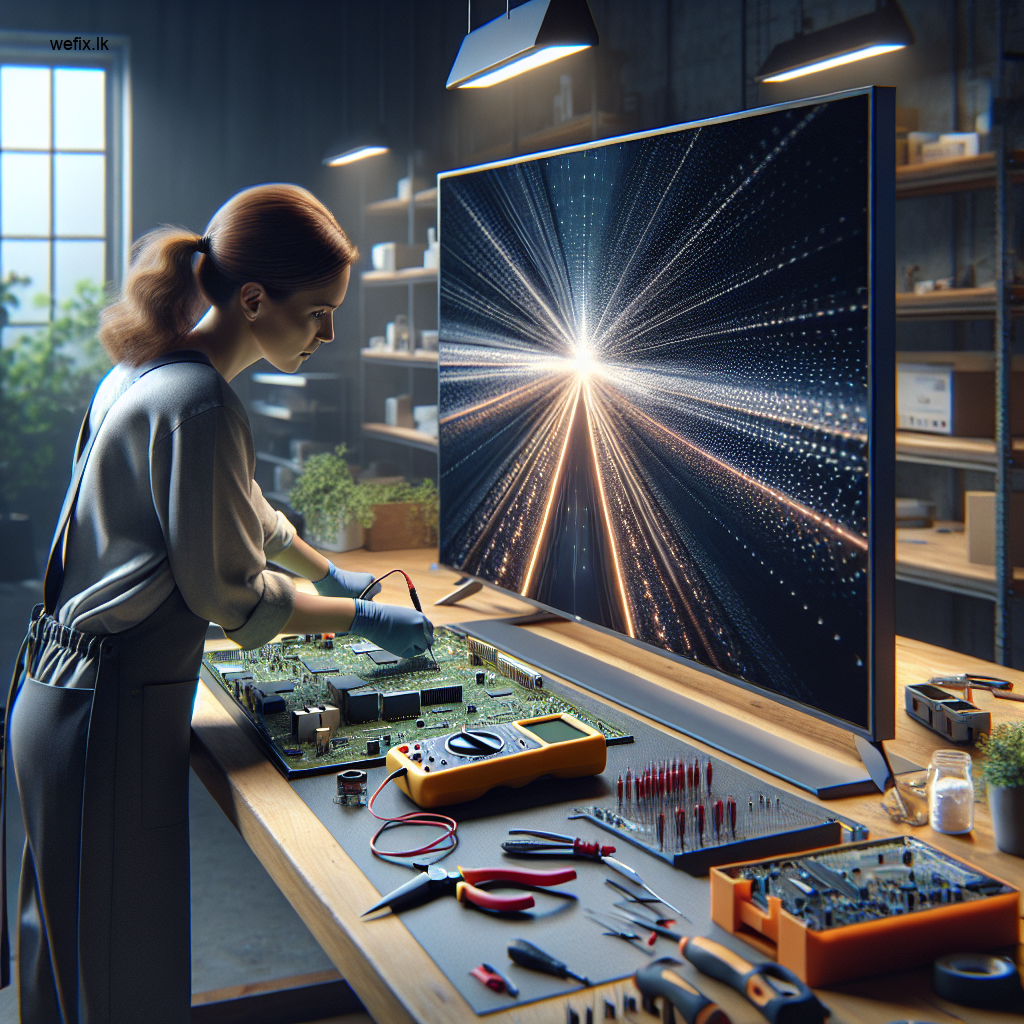
Quick Solutions for Smart TV Software Crash in Colombo
Estimated reading time: 6 minutes
- Discover the common causes of smart TV software crashes.
- Learn about symptoms that indicate a software issue versus hardware failure.
- Understand the risks of DIY fixes and why professional help is advisable.
- Know the process WeFix.lk technicians follow for diagnosis and repairs.
Table of Contents
- Understanding What Causes a Smart TV Software Crash
- Symptoms of a Failing Smart TV Software
- Why DIY Fixes Often Fall Short (And Can Be Risky)
- How WeFix.lk Professionals Diagnose Your Smart TV Crash
- Our Step-by-Step Professional Repair Process
- Tips to Prevent Future Smart TV Software Issues
- Why Professional Service is Your Best Choice in Colombo
Understanding What Causes a Smart TV Software Crash
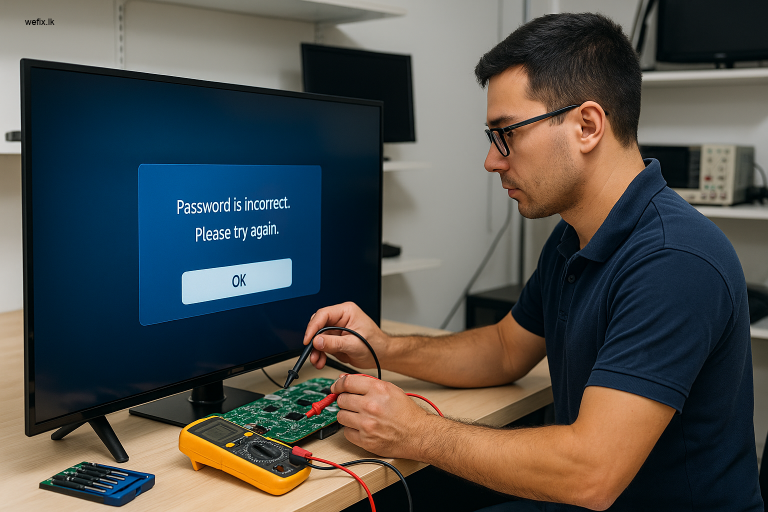
Your smart TV is essentially a computer built into a screen. It runs on an operating system—like Tizen (Samsung), webOS (LG), or Android TV—and hosts various applications. A software crash occurs when this system or an app encounters an error it cannot recover from. In the context of Colombo and Sri Lanka, several specific factors contribute to this problem:
- Firmware Update Failures: Sometimes, an over-the-air update from the manufacturer gets interrupted by a power fluctuation or a weak WiFi signal, corrupting the TV’s core software.
- App Conflicts & Bugs: A newly installed app might be poorly coded or incompatible with your TV’s specific model or OS version, causing system-wide instability.
- Insufficient Memory & Cache: Cached data can fill up, slowing the system or causing crashes.
- Power Surges & Irregularities: Unstable power supply can corrupt data stored in the TV’s memory.
- Manufacturer Software Glitches: Occasionally, a firmware version released by brands like Samsung or LG may have inherent bugs.
Symptoms of a Failing Smart TV Software
How do you know if you’re dealing with a software crash and not a hardware fault? Look for these tell-tale signs:
- The TV is stuck on the brand logo during startup.
- Apps freeze or close unexpectedly.
- The home screen or menu is extremely slow or unresponsive.
- Error codes appear frequently.
- The TV randomly restarts on its own.
- Features disappear or settings reset to default on their own.
Why DIY Fixes Often Fall Short (And Can Be Risky)
When your TV crashes, a quick online search might suggest basic troubleshooting. While some steps are harmless, others can be risky:
- The Basic Power Cycle: Unplugging the TV for 2 minutes can clear temporary memory and resolve minor hangs.
- The Risky Factory Reset: A factory reset can be dangerous if interrupted.
- Manual Firmware Updates: Downloading firmware from unofficial sources can permanently damage the software.
- The Limitations of Cache Clearing: Clearing an app’s cache does not help with a corrupted OS.
How WeFix.lk Professionals Diagnose Your Smart TV Crash
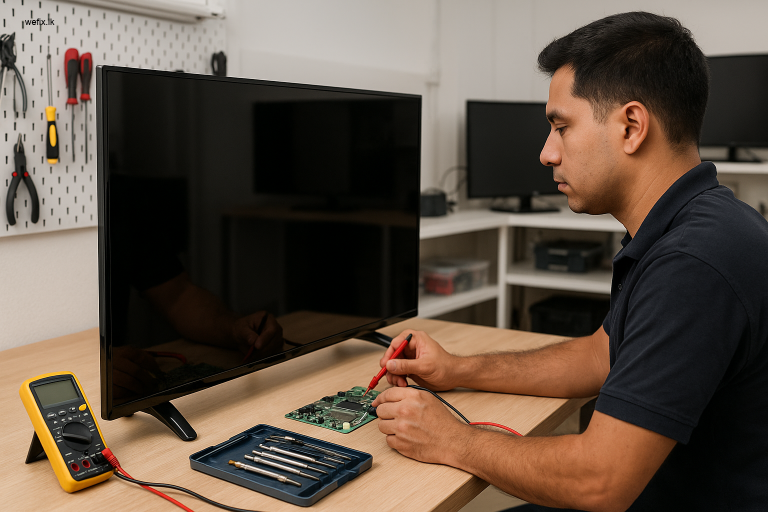
When you bring your smart TV to our Colombo service centre, our technicians follow a precise diagnostic protocol:
- Symptom Verification: We replicate the issue to understand its nature.
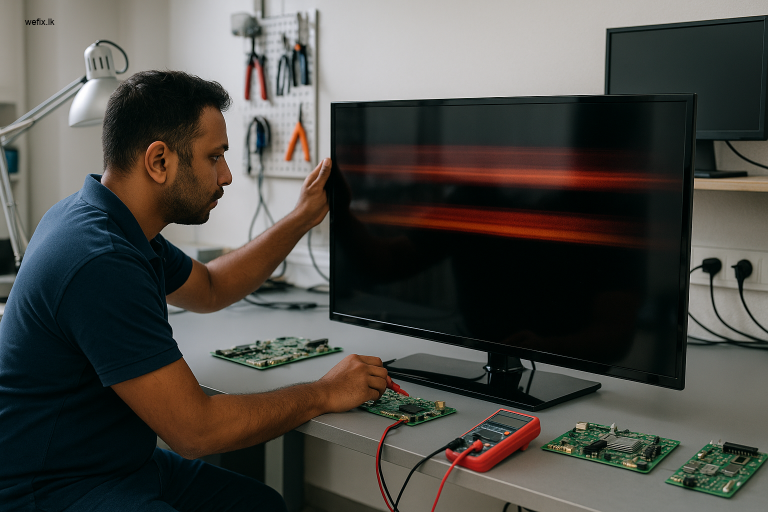
- Hardware Isolation: We check critical hardware components for faults.
- Software Diagnostics: Using proprietary tools, we read error logs and system health.
- Root Cause Identification: We determine whether the issue is a corrupted app, firmware, or hardware.
Our Step-by-Step Professional Repair Process
Once diagnosed, here’s how we professionally resolve your smart TV software crash:
- Safe Data Backup: We attempt to backup your TV’s settings before major procedures.
- Controlled Firmware Restoration: We safely re-flash the TV’s operating system.
- Component-Level Repair: If diagnostics reveal a faulty memory chip, we perform precision micro-soldering.
- Stability Testing: We run the TV through extended stress tests to ensure the crash is resolved.
- Final Optimisation: We update apps and calibrate settings if needed.
Tips to Prevent Future Smart TV Software Issues
- Use a Voltage Stabilizer: Protect your TV from power surges.
- Ensure Stable Internet During Updates: Avoid turning off the TV during updates.
- Manage Your Apps: Clear cache for commonly used apps.
- Regular Maintenance: Consider a professional check-up every few years.
Why Professional Service is Your Best Choice in Colombo
Attempting a complex software repair yourself risks permanent damage. Professional repair with WeFix.lk offers:
- Guaranteed Expertise: We have the tools and training for your TV brand.
- Safe Repairs: We perform procedures in a controlled environment.
- Accurate Diagnosis: We find the real problem, so you pay only for what you need.
- Warranty on Service: All repairs come with a warranty.
- Time & Cost Savings: We often solve issues in hours.
Need help from WeFix.lk in Colombo?
At WeFix.lk, we are your local technology partners. Our technicians are certified and experienced in handling the intricate software and hardware of modern smart TVs.
- LED TV repair
- No display / black screen repair
- Backlight repair
- Smart TV software issues
- Home visit service
Contact Us Today! Let us get your smart TV back to being smart again!
For more information on related products, check out our LG 43 Inch FHD LED TV Display Panel LM5500 and also the LG 42-Inch TV Display Panel – LC420DUE for quality replacements.