How to Resolve Frozen TV Menu Screens in Colombo
Estimated reading time: 6 minutes
- Understand the common causes of frozen TV menu screens.
- Recognize the symptoms that indicate a frozen TV menu.
- Learn why DIY fixes often fail and the importance of professional help.
- Follow our step-by-step repair process to troubleshoot effectively.
- Get essential tips to prevent future freezing incidents.
Table of Contents
- What Causes a Frozen TV Menu Screen?
- Symptoms You Will Notice
- Why DIY Fixes Often Fail in Colombo
- How WeFix.lk Diagnoses a Frozen TV Menu
- Our Step-by-Step Repair Process
- Prevention Tips for Colombo TV Owners
- Why Professional Service Matters
- About WeFix.lk – Your Trusted TV Repair Service in Colombo
- Contact WeFix.lk Today
What Causes a Frozen TV Menu Screen?
When your TV menu freezes, it means the software or hardware responsible for processing your commands has stopped responding. This can happen for several reasons. The most common cause is a software glitch. Just like your smartphone or computer, modern smart TVs run on operating systems. These systems can sometimes crash or get stuck in a loop. Other causes include a faulty remote control sending continuous signals, corrupted firmware after an update, or even a failing mainboard. In Colombo’s hot and humid climate, heat buildup inside the TV can also cause components to behave erratically, leading to a frozen menu.
Symptoms You Will Notice
If your TV is suffering from a frozen menu screen, you will likely experience one or more of the following symptoms:
- The menu remains on the screen even after you try to close it.
- You press buttons on the remote, but the TV does not respond.
- The TV is stuck on a particular settings page or input source.
- You cannot change channels, adjust volume, or access apps.
- The screen shows a spinning loading icon that never finishes.
- The TV turns on but immediately shows the menu without letting you do anything else.
Why DIY Fixes Often Fail in Colombo
Many people try to fix a frozen TV menu themselves. Common DIY attempts include unplugging the TV and plugging it back in, changing batteries in the remote, or pressing every button on the remote in desperation. While a simple power cycle sometimes works, it often does not solve the underlying problem. In Colombo, we also see customers trying to download firmware updates from unofficial websites, which can make the problem worse. Without proper diagnostic tools and knowledge of your TV’s specific motherboard and software, DIY fixes can cause more damage. For example, a failed firmware update can permanently brick your TV. That is why professional diagnosis is always the safest option.
How WeFix.lk Diagnoses a Frozen TV Menu
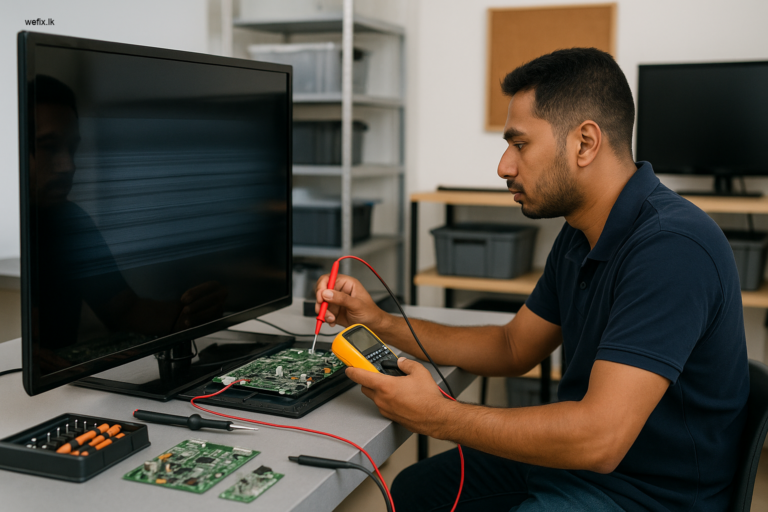
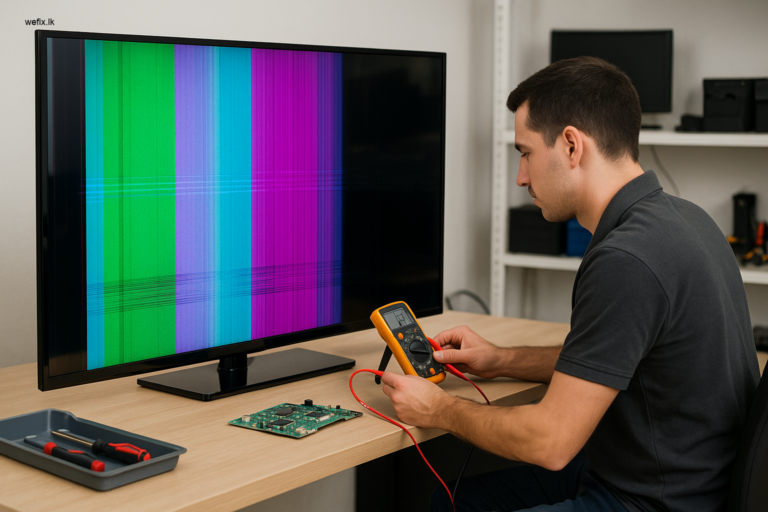
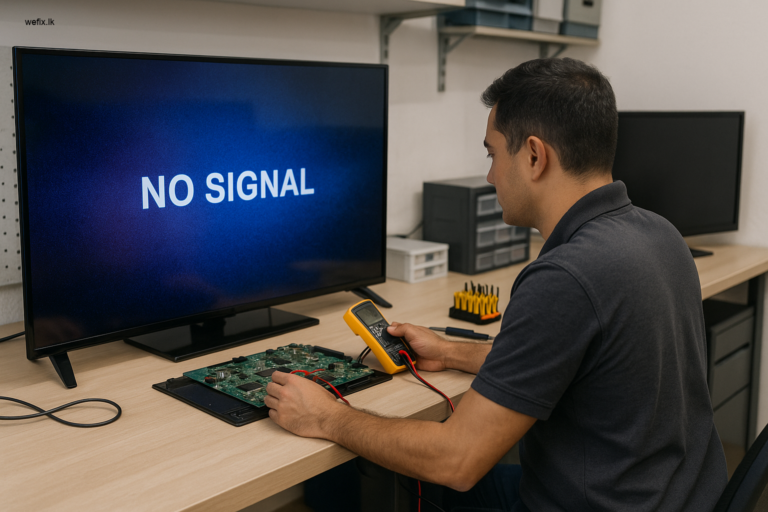
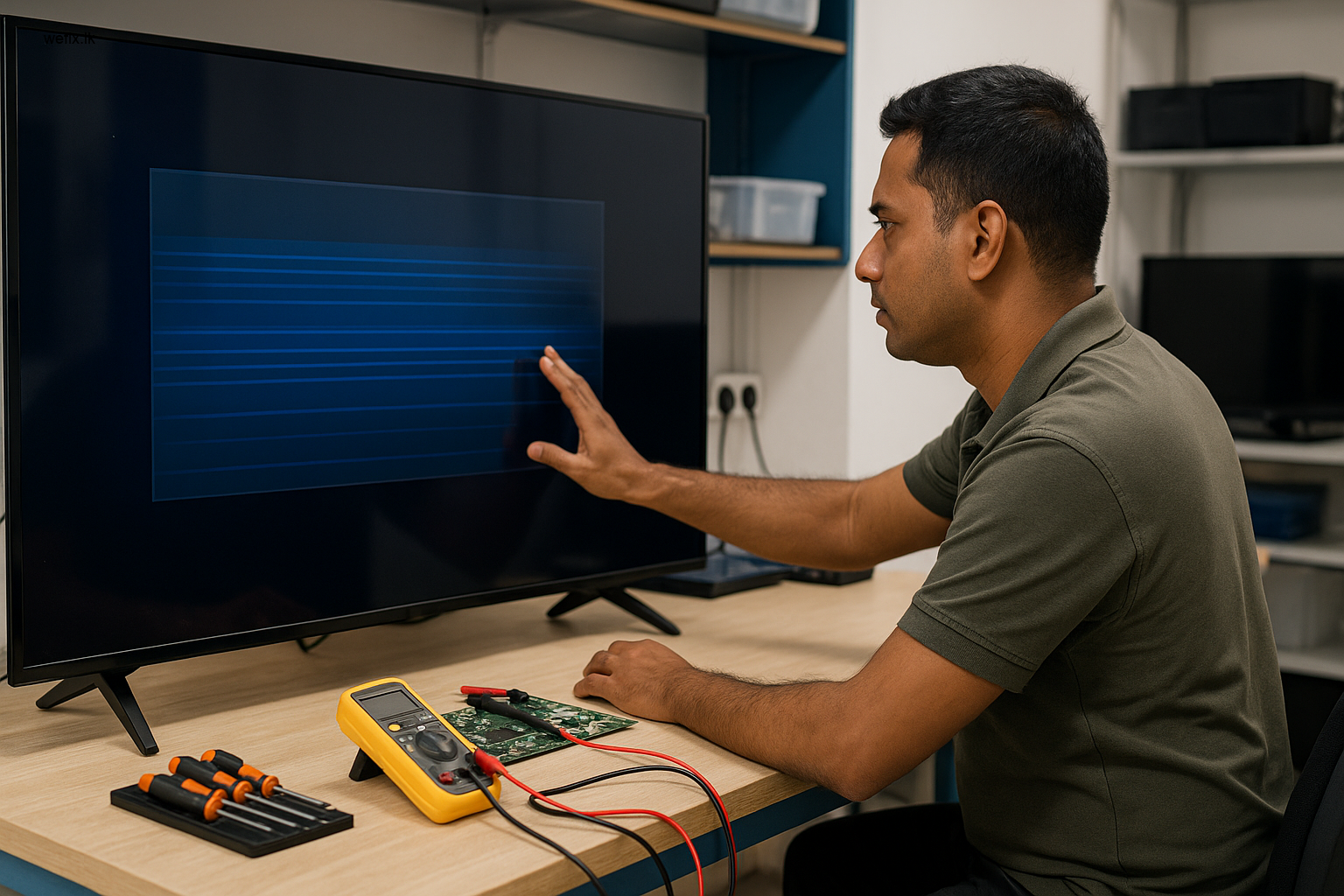
When you bring your TV to WeFix.lk in Colombo or request a home visit, our technicians follow a systematic approach to find the root cause. First, we check the remote control. Sometimes the issue is simply a stuck button on the remote that keeps sending signals to the TV. We test the remote with a sensor or replace it temporarily. Next, we check the TV’s software. We look for corrupted files, failed updates, or memory issues. If the software seems fine, we move to the hardware. We inspect the mainboard, power supply board, and T-con board for any signs of damage or overheating. In some cases, we connect our diagnostic tools directly to the TV’s logic board to read error codes. This step-by-step process ensures we identify the exact problem before recommending a repair.
Our Step-by-Step Repair Process
Once we have diagnosed the issue, we follow a clear repair process. Here is how we fix a frozen TV menu screen at WeFix.lk in Colombo:
Step 1: Power Cycle the TV
We completely disconnect the TV from power for 2 to 3 minutes. This allows the internal capacitors to discharge and the system to reset. In many cases, this alone resolves the freezing.
Step 2: Check and Replace Remote Control
We test the TV with a universal remote or a known working remote. If the problem disappears, we recommend a remote replacement. We also clean the remote’s infrared sensor area on the TV.
Step 3: Factory Reset or Firmware Reinstallation
If the menu is still frozen, we perform a factory reset using the TV’s physical buttons (if available). For smart TVs, we reinstall the latest official firmware from the manufacturer. We do this safely without risking data corruption.
Step 4: Mainboard Repair or Replacement
If the issue is hardware-related, we inspect the mainboard. We look for swollen capacitors, burnt chips, or cold solder joints. In many cases, we can repair the board by replacing specific components. If the board is beyond repair, we replace it with a genuine or compatible board.
Step 5: Final Testing
After the repair, we run a full test. We check all menus, inputs, apps, and remote functions. We ensure the TV operates smoothly for at least 30 minutes before returning it to you.
Prevention Tips for Colombo TV Owners
After we fix your TV, you can take simple steps to prevent the menu from freezing again. First, keep your TV in a well-ventilated area. Colombo’s heat can cause internal components to overheat. Ensure there is at least a few inches of space around the TV for air circulation. Second, avoid interrupting firmware updates. If your TV starts an update, let it finish completely. Do not turn off the TV or unplug it during an update. Third, use a surge protector. Power fluctuations in Colombo can damage the software and hardware of your TV. A good surge protector can save you a lot of trouble. Finally, clean your remote control and the TV’s sensor regularly. Dust and dirt can cause signal interference.
Why Professional Service Matters
A frozen TV menu might seem like a small annoyance, but ignoring it or attempting risky DIY fixes can lead to bigger problems. If the issue is a failing mainboard, continued use can cause permanent damage to other components. Professional service from WeFix.lk ensures that the repair is done correctly the first time. We use genuine parts and follow manufacturer guidelines. Our technicians have years of experience working with Samsung, LG, Sony, Hisense, TCL, and other major brands. When you trust us with your TV, you get a warranty on all repairs. You also get the peace of mind that comes from knowing your TV is in safe hands.
About WeFix.lk – Your Trusted TV Repair Service in Colombo
WeFix.lk is a professional electronics repair and technology service center based in Colombo, Sri Lanka. We specialize in fixing all types of TV problems, including frozen menus, no display, backlight failure, panel damage, and board issues. Our team is experienced with Samsung, LG, Sony, Hisense, TCL, and other popular brands. We offer both in-shop and home visit repair services across Colombo. We also provide a full range of business technology services, including POS billing systems, restaurant software, WhatsApp AI chatbots, CRM solutions, and custom website development. Our goal is to provide reliable, affordable, and professional service to every customer in Colombo.
Contact WeFix.lk Today
Do not let a frozen TV menu ruin your evening. Whether you are watching your favorite show or using your smart TV for work, a responsive TV is essential. At WeFix.lk, we can diagnose and fix your TV menu issue quickly and professionally. We serve customers all over Colombo, Sri Lanka. Contact us today to book a diagnosis or home visit. You can reach us on WhatsApp or call us directly. Let us get your TV working perfectly again. WeFix.lk – your local expert for TV repair and technology solutions in Colombo.
Need help from WeFix.lk in Colombo?
At WeFix.lk, we are dedicated to providing quality TV spare parts and repair support in Colombo, Sri Lanka. Our professional team is here to assist you with finding the right replacement for your TV needs.
- LED TV repair
- No display / black screen solutions
- Backlight repair
- Panel repair and replacement
- Vertical / horizontal lines repair
- Mainboard and power board repairs
- T-con problems and smart TV software issues
- Home visit service available
Contact WeFix.lk today to confirm compatibility before buying. Send us your TV model number and panel sticker photo, or book a professional panel replacement service if needed.