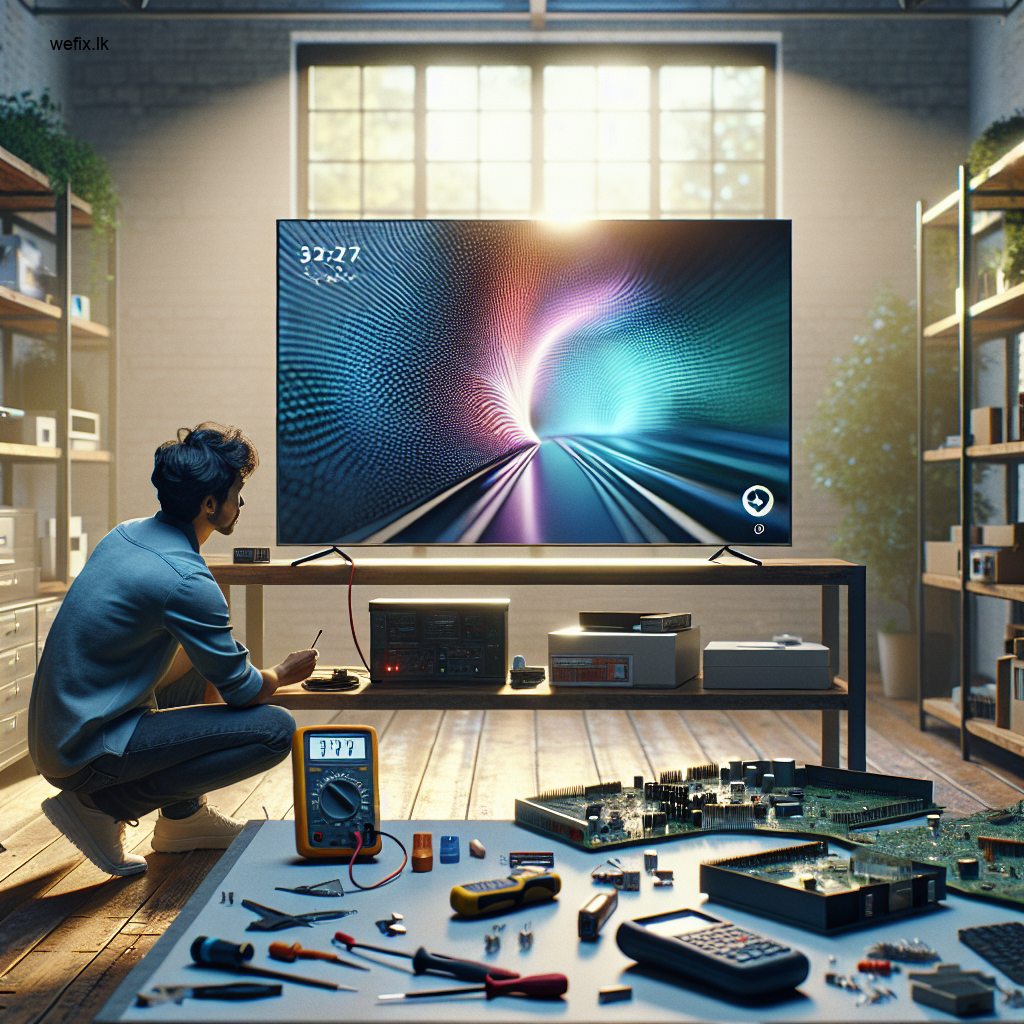
How to Fix an Unresponsive Smart TV Apps in Colombo
Estimated reading time: 6 minutes
- Learn the common reasons why smart TV apps become unresponsive.
- Get tips for troubleshooting and fixing app issues.
- Understand the professional diagnosis process at WeFix.lk.
- Discover effective prevention tips for extended app functionality.
Table of contents
- What Causes Smart TV Apps to Become Unresponsive?
- Symptoms You Will Notice
- Why DIY Fixes Often Fail
- Professional Diagnosis at WeFix.lk
- The Repair Process Step by Step
- Prevention Tips for Colombo Smart TV Owners
- Why You Should Choose Professional Service in Colombo
- About WeFix.lk – Your Trusted TV Repair and Technology Service Partner in Colombo
- Do Not Let Unresponsive Apps Ruin Your Entertainment
What Causes Smart TV Apps to Become Unresponsive?
Smart TV apps rely on a combination of software, internet connectivity, and internal processing power. When any one of these components fails, your apps stop responding. Here are the most common reasons we see at WeFix.lk:
- Outdated software or firmware – Your TV’s operating system needs regular updates. Outdated software often causes compatibility issues with modern apps.
- Corrupted app cache or data – Over time, temporary files accumulate. When these files become corrupted, apps crash or freeze.
- Insufficient storage space – Smart TVs have limited internal memory. If your storage is full, apps cannot run properly.
- Slow or unstable internet connection – Streaming apps require a steady connection. Even a brief interruption can cause apps to freeze.
- Server-side issues – Sometimes the problem is not your TV. The app provider’s servers may be down.
- Faulty mainboard or internal components – In rare cases, a hardware failure on the TV’s mainboard causes apps to malfunction.
Symptoms You Will Notice
You do not need to be a technician to identify when your smart TV apps are struggling. Look for these warning signs:
- An app loads indefinitely but never opens
- The TV screen goes black or shows an error message when you launch an app
- Apps open but freeze after a few seconds
- The TV remote becomes unresponsive only when using apps
- Certain apps work while others do not
- The TV restarts by itself when you try to open an app
Why DIY Fixes Often Fail
Many Colombo residents try to fix unresponsive apps on their own. Common DIY attempts include unplugging the TV, resetting the router, or reinstalling apps. While these steps can sometimes help temporarily, they rarely solve the root cause.
Professional Diagnosis at WeFix.lk
When you bring your TV to WeFix.lk in Colombo, our technicians follow a structured diagnostic process. We start by checking the most common software issues before examining hardware components.
Step 1: Software and Firmware Check
We connect your TV to our diagnostic tools and check the current firmware version. If the firmware is outdated, we perform a clean update. We also check for any pending system updates that may have failed to install.
Step 2: Storage and Cache Analysis
We examine the internal storage of your smart TV. If the storage is nearly full, we identify unnecessary files and safely remove them. We also clear the system cache at a deeper level than what is available through the user menu.
Step 3: Connectivity Test
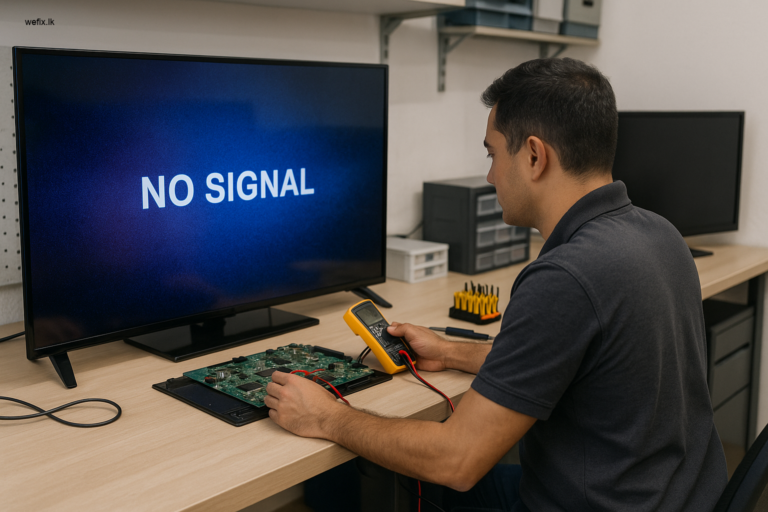
We test your TV’s Wi-Fi and Ethernet connectivity. Using specialized equipment, we measure signal strength and stability. We also check for any network configuration issues that may block app communication.
Step 4: App Compatibility Review
Some apps stop supporting older TV models. We check the app version against your TV’s operating system to ensure compatibility. If the app is too new for your TV, we advise on the best alternative or upgrade path.
Step 5: Hardware Inspection
If all software checks pass and the problem persists, we inspect the mainboard, power supply board, and internal connections. A failing mainboard can cause apps to become unresponsive even when the software is perfect.
The Repair Process Step by Step
Once we identify the cause, our repair process is clear and transparent.
For software issues:
- Back up your settings and preferences
- Perform a firmware update using official manufacturer files
- Clear system cache and app data at the system level
- Reinstall problematic apps
- Test all apps for responsiveness
For storage issues:
- Identify unnecessary pre-installed apps or bloatware
- Safely remove or disable them
- Free up additional space by clearing residual files
- Reconfigure app settings for optimal performance
For hardware issues:
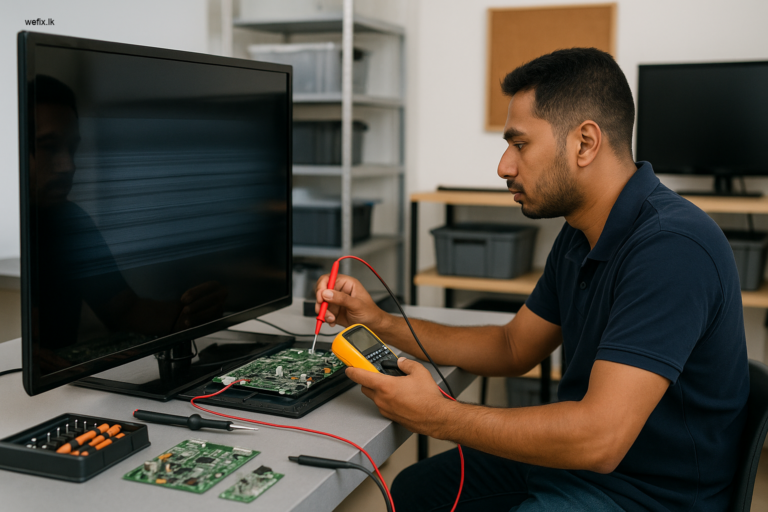
- Open the TV carefully in our dust-free workshop
- Inspect the mainboard for damaged capacitors or burnt components
- Test voltage levels across the power supply board
- Replace any faulty components with genuine parts
- Reassemble and test the TV with multiple apps
Most software repairs are completed within 24 to 48 hours. Hardware repairs may take longer depending on component availability.
Prevention Tips for Colombo Smart TV Owners
After we fix your smart TV apps, you want to keep them working smoothly. Follow these simple tips:
- Update your TV software regularly – Check for system updates once a month. Enable automatic updates if available.
- Clear app cache every few weeks – Go to Settings > Apps > Storage and clear cache for apps you use frequently.
- Do not fill your TV storage – Uninstall apps you do not use. Avoid downloading games or heavy apps on your smart TV.
- Use a stable internet connection – A wired Ethernet connection is more reliable than Wi-Fi for streaming apps.
- Restart your TV weekly – A simple restart clears temporary files and refreshes the system.
- Avoid using third-party app stores – Only install apps from your TV’s official app store to prevent malware.
Why You Should Choose Professional Service in Colombo
It may be tempting to search for a YouTube tutorial and try fixing your smart TV apps yourself. But here is the truth: smart TVs today are complex devices with sensitive software and delicate hardware. One wrong move during a factory reset or firmware update can permanently damage your TV.
At WeFix.lk, we have seen TVs that were bricked by failed DIY attempts. Customers who tried to update firmware using unofficial files ended up with a completely non-functional television. The cost of repairing that damage is always higher than a professional diagnosis upfront.
About WeFix.lk – Your Trusted TV Repair and Technology Service Partner in Colombo
WeFix.lk is a locally owned and operated electronics repair and business technology service center based in Colombo, Sri Lanka. We have been serving the Colombo community for years, helping homeowners and businesses keep their electronics running smoothly.
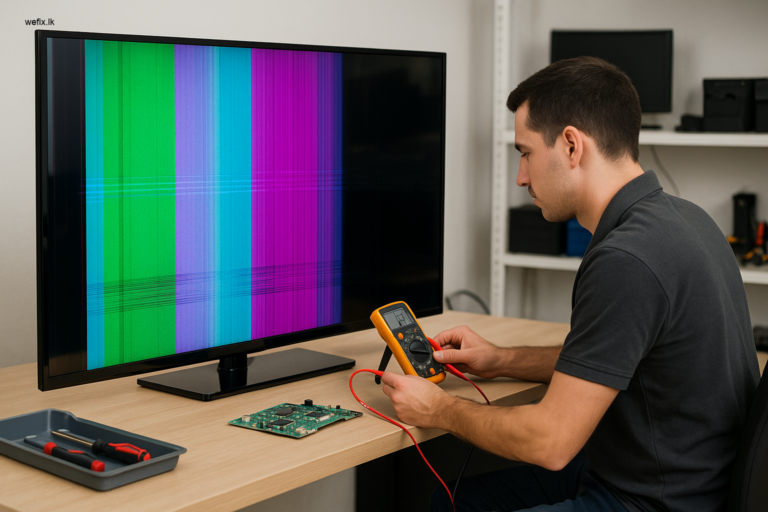
Our expertise covers more than just smart TV app issues. We repair all major TV problems including: LED TV no display or black screen, Backlight failure, Vertical or horizontal lines on screen, Panel damage, Mainboard, power supply, and T-con board repairs, Smart TV software issues.
Do Not Let Unresponsive Apps Ruin Your Entertainment
If you are reading this article because your smart TV apps will not open, do not wait for the problem to fix itself. It will not. The longer you wait, the more likely the issue will worsen. A simple software glitch today could turn into a mainboard failure tomorrow.
WeFix.lk offers fast, reliable, and affordable smart TV repair services in Colombo. We come to your home or you can bring your TV to our service center. Our technicians are trained, experienced, and ready to help.
Contact WeFix.lk today for a professional diagnosis.
Need help from WeFix.lk in Colombo?
We are your local experts for TV repairs, ensuring high-quality service every time.
- LED TV repair
- No display / black screen issues
- Smart TV software issues
- Home visit service available
Book your service today! Call us or send a WhatsApp message now.