Quick Solutions for TV Ports Not Working in Colombo
Estimated reading time: 6 minutes
- Understand the common causes of TV port failures.
- Recognize the symptoms of malfunctioning ports.
- Learn why DIY repairs often fail.
- Discover how WeFix.lk can provide effective solutions in Colombo.
Table of Contents
- Understanding Why Your TV Ports Fail
- Symptoms You Might Be Experiencing
- Why DIY Fixes for TV Ports Usually Fail in Colombo
- How WeFix.lk Diagnoses Your TV Port Problem in Colombo
- Our Step-by-Step Professional Repair Process
- Tips to Prevent Future TV Port Issues
- Why Professional Service is Non-Negotiable
- Trust Colombo’s TV Repair Experts: WeFix.lk
- Don’t Struggle with Faulty Ports – Get Expert Help Today!
Understanding Why Your TV Ports Fail
TV ports, like HDMI, USB, AV, and Component inputs, are the gateways for your devices to communicate with your television. When they fail, it’s rarely just a simple loose connection. The problem usually stems from internal hardware or software issues specific to your TV’s model and usage.
The most common causes we see in our Colombo service calls include:
- Physical Port Damage: This is a frequent issue. Ports can become loose, bent, or broken from repeated plugging and unplugging of cables. A bent pin inside an HDMI port is a classic culprit for a “no signal” error.
- Mainboard (Motherboard) Failure: The TV’s mainboard is the central hub that controls all functions, including the ports. A power surge, overheating, or general wear and tear can damage the delicate circuits on the mainboard connected to the ports.
- Faulty T-Con (Timing Control) Board: While primarily responsible for the display, a failing T-Con board can sometimes interfere with signal processing from the input ports, leading to distorted images or no signal.
- Software or Firmware Glitches: Especially for Smart TVs in Colombo, a buggy software update or a corrupted app can cause the TV’s operating system to malfunction, making it unable to recognize devices plugged into the ports.
- Power Supply Issues: An unstable power supply from your home’s electrical system in Colombo can send irregular voltage to the TV’s internal components, gradually damaging the port controllers.
Symptoms You Might Be Experiencing
How do you know it’s a port issue and not a problem with your cable or device? Look for these tell-tale signs:
- “No Signal” Message: The TV displays a “No Signal” or “Check Signal Cable” message even with a known-working device (like a Dialog TV set-top box) plugged in.
- Intermittent Connection: The picture or sound cuts in and out when the cable is wiggled slightly at the port.
- Specific Port Failure: Only one HDMI port (e.g., HDMI 1) doesn’t work, while others function normally.
- Device Not Recognized: Your TV fails to detect a USB drive or external hard drive, or it detects it but cannot play the files.
- Distorted Picture/Sound: You get a flickering image, strange colors, or crackling audio from a connected device.
Why DIY Fixes for TV Ports Usually Fail in Colombo
When a port fails, many people in Colombo try quick fixes they find online. While well-intentioned, these often don’t solve the core problem and can cause more damage:
- Forcing Cables: Jiggling or forcing a cable into a port can permanently bend the internal pins, making professional repair impossible and necessitating a full board replacement.
- Basic Resets: A simple power cycle might temporarily clear a software glitch but won’t fix physical damage or a failing mainboard.
- Using Compressed Air: Blasting dust out can help, but if the issue is a broken solder joint or internal corrosion, air won’t fix it. It can also push debris further inside.
- Assuming it’s the Cable: While swapping cables is a good first check, consistently blaming the cable delays diagnosing the actual TV fault.
- Opening the TV Yourself: Modern LED TVs contain high-voltage components even when unplugged. Without proper training and tools, you risk severe electric shock or causing irreversible damage to delicate LCD panels and boards.
How WeFix.lk Diagnoses Your TV Port Problem in Colombo
Our professional diagnosis is what sets us apart. We don’t guess; we systematically identify the root cause. When you contact us for a TV ports not working issue in Colombo, here’s what happens:
- Detailed Symptom Check: Our technician will ask specific questions about which port, which device, and what error messages you see.
- On-Site Visual Inspection: During our home visit repair service in Colombo, we first inspect the physical port for any obvious signs of damage, bent pins, or debris.
- Cross-Testing with Equipment: We use known-working high-quality cables and test devices to rule out external factors.
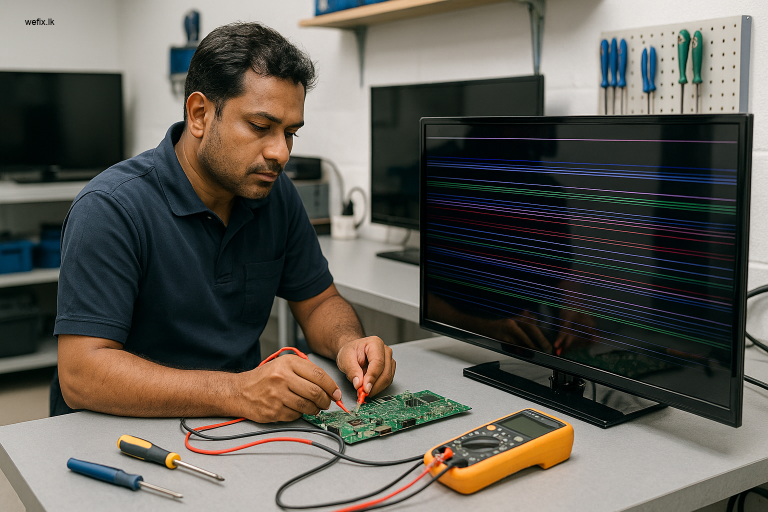
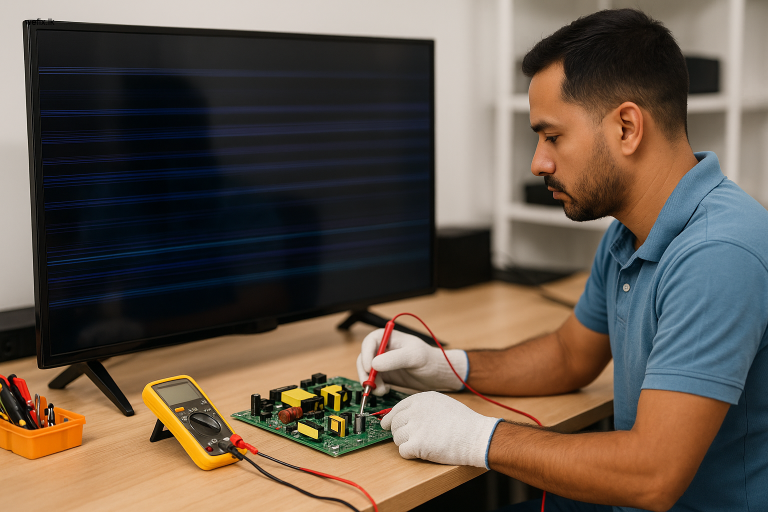
- Internal Circuit Diagnostics: We safely open the TV back panel and use multimeters and board testers to check for continuity, voltage regulation, and signal integrity from the port back to the mainboard and T-Con board.
- Software Diagnostics: For Smart TVs, we check for firmware corruption and perform specialized resets that go beyond the standard user menu options.
Our Step-by-Step Professional Repair Process
Once diagnosed, our repair process is efficient and transparent:
Step 1: Isolated Port Repair
If the damage is confined to the port itself, we carefully de-solder the faulty HDMI or USB port module from the mainboard and replace it with a new, high-quality component.
Step 2: Mainboard Repair or Replacement
If the mainboard’s circuitry is damaged, we assess if it can be repaired (e.g., reflowing solder, replacing capacitors). If the damage is extensive, we source a compatible replacement mainboard, often repairing your original board to save you cost.
Step 3: T-Con Board or Power Board Service
If the diagnostic points to these boards, we repair or replace them to ensure stable signal and power delivery to all components, including the ports.
Step 4: Software/Firmware Reflash
For software-related port issues, we use manufacturer tools to reinstall or update the TV’s firmware to a stable version, restoring full functionality.
Step 5: Comprehensive Testing
After repair, we test all ports with multiple devices, check picture and sound quality, and ensure the TV operates normally. We also provide advice on proper cable management to prevent future strain on the ports.
Tips to Prevent Future TV Port Issues
- Handle with Care: Always grip the plug, not the cable, when inserting or removing it. Insert it straight in, avoiding angular force.
- Use Surge Protectors: Given Colombo’s occasional power fluctuations, always connect your TV to a good quality surge protector.
- Manage Cables: Avoid letting connected cables dangle, which puts weight and leverage on the port. Use cable ties or clips for strain relief.
- Update Carefully: For Smart TVs, enable automatic updates but avoid interrupting them. If an update causes issues, contact a professional like WeFix.lk instead of trying to force a rollback.
- Regular Professional Check-ups: Consider a periodic maintenance check, especially if your TV is in a humid environment or used heavily with multiple devices.
Why Professional Service is Non-Negotiable
Fixing TV ports is micro-soldering work that demands a steady hand, the right tools, and schematic-level understanding of your specific TV model. Professional service from WeFix.lk ensures:
- Safety: We protect you from high-voltage risks and protect your TV from accidental damage.
- Correct Diagnosis: We fix the actual problem, not just a symptom, saving you money on unnecessary parts.
- Warranty: Our repairs come with a service warranty, giving you peace of mind that the fix will last.
- Time & Cost Efficiency: We have the parts and expertise to resolve the issue in one visit, saving you the hassle of transporting a large TV across Colombo.
Trust Colombo’s TV Repair Experts: WeFix.lk
At WeFix.lk, we are more than just a repair shop. We are your local technology solution partners based in Colombo. Our technicians have years of collected experience in Colombo repairing all major brands like Samsung, LG, Sony, Hisense, and TCL. We understand the common issues that arise in Sri Lankan homes and businesses, from power surges to humidity-related faults.
We pride ourselves on reliable home TV repair services in Colombo, bringing our workshop expertise directly to your living room. Our goal is to get your entertainment system back up and running with minimal disruption to your day.
Don’t Struggle with Faulty Ports – Get Expert Help Today!
A non-working TV port doesn’t have to mean a non-working TV. If you’re in Colombo or the surrounding areas and facing issues with HDMI, USB, or any other TV ports, professional help is just a message away.
Contact WeFix.lk now for a fast, accurate diagnosis and a permanent repair solution. Our technician will come to your home, identify the problem, provide a clear quote, and fix your TV on the spot wherever possible.
WhatsApp us for immediate assistance or to book a home visit. Let’s restore your complete TV connectivity today!
Need help from WeFix.lk in Colombo?
We are your local experts in electronics repair in Colombo. Our professional team possesses the necessary skills to ensure your appliances are fixed with utmost care and efficiency.
- LED TV repair
- No display/black screen solutions
- Backlight repair
- Panel replacement for issues like vertical/horizontal lines
- Mainboard, power board, and T-con repairs
- Smart TV software issues
- Home visit service for your convenience
Contact WeFix.lk today by booking a home service appointment, and let our professionals take care of your TV repair needs!
For suitable products, check our LG 43 Inch FHD LED TV Display Panel LM5500 and LG 42-Inch TV Display Panel – LC420DUE.