Fix Smart TV That Won’t Connect to Bluetooth Devices in Colombo | WeFix.lk
Estimated reading time: 6 minutes
- Understand common reasons your Smart TV may not connect to Bluetooth devices.
- Learn about professional diagnosis and repair services available in Colombo.
- Get tips on how to prevent future connectivity issues.
- Discover the importance of choosing professional help for TV repairs.
Table of contents
- Introduction
- Understanding the Problem
- Symptoms You Might Notice
- Why DIY Fixes Often Fall Short
- Professional Diagnosis
- Our Step-by-Step Repair & Solution Process
- Prevention Tips for Colombo Users
- Why Professional Service is Non-Negotiable
- About WeFix.lk
- Need help from WeFix.lk in Colombo?
Introduction
Is your Smart TV in Colombo refusing to connect to your Bluetooth headphones, soundbar, or speakers? A Smart TV that won’t connect to Bluetooth devices is a common and incredibly frustrating problem that ruins your viewing experience. Whether you’re trying to enjoy a late-night movie without disturbing others or want to boost your audio with a premium sound system, this connectivity issue can leave you stuck. At WeFix.lk, Colombo’s trusted electronics repair and technology service center, we specialize in diagnosing and fixing these exact Smart TV glitches. This guide will explain why it happens and how our professional technicians get your Bluetooth working again.
Understanding the Problem: Why Won’t Your Smart TV Connect?
Your Smart TV’s Bluetooth functionality is a complex interplay of software and hardware. When it fails, it’s usually due to one of these core issues:
- Software Glitches & Outdated Firmware: The TV’s operating system (like Tizen, webOS, or Android TV) can have bugs that affect Bluetooth drivers. An outdated firmware version may lack compatibility with newer Bluetooth devices.
- Bluetooth Module Failure: Inside your TV is a small, dedicated Bluetooth/Wi-Fi module. Physical damage, power surges, or simple wear and tear can cause this component to fail.
- Interference & Signal Conflict: Dense WiFi networks (common in Colombo apartments), other Bluetooth devices, or even USB dongles plugged into the TV can cause signal interference.
- Pairing Cache Corruption: The TV stores pairing data for devices. This cache can become corrupted, preventing new or even previously paired devices from connecting.
- Incompatible Devices: While rare, some Bluetooth audio devices may use codecs or profiles not fully supported by your TV’s specific model.
Symptoms You Might Notice
How do you know you’re facing this specific Bluetooth issue? Look for these signs:
- “Pairing Failed” or “Could Not Connect” messages every time you try.
- The Bluetooth device appears in the TV’s list but won’t connect when selected.
- The connection drops intermittently every few minutes.
- Your TV’s Bluetooth menu is greyed out or completely missing.
- Audio continues to play only from the TV speakers, ignoring the paired device.
Why DIY Fixes Often Fall Short
Most people in Colombo will try the basic steps: turning devices off and on, checking device batteries, and performing a TV power cycle. While these can sometimes resolve temporary glitches, they are surface-level solutions. The real cause often lies deeper. Manually updating firmware can be risky if interrupted, and a factory reset—while sometimes effective—wipes all your settings, apps, and logins, which is a significant hassle. Crucially, DIY methods cannot diagnose a failing internal Bluetooth hardware module. You might spend hours troubleshooting only to find the problem returns or requires a professional repair.
Professional Diagnosis: How WeFix.lk Finds the Root Cause
When you contact WeFix.lk for a Smart TV Bluetooth repair in Colombo, our process begins with a systematic diagnosis. We don’t guess; we test.
- Initial Consultation: We ask about your TV model, the Bluetooth devices you’re trying to connect, and when the problem started.
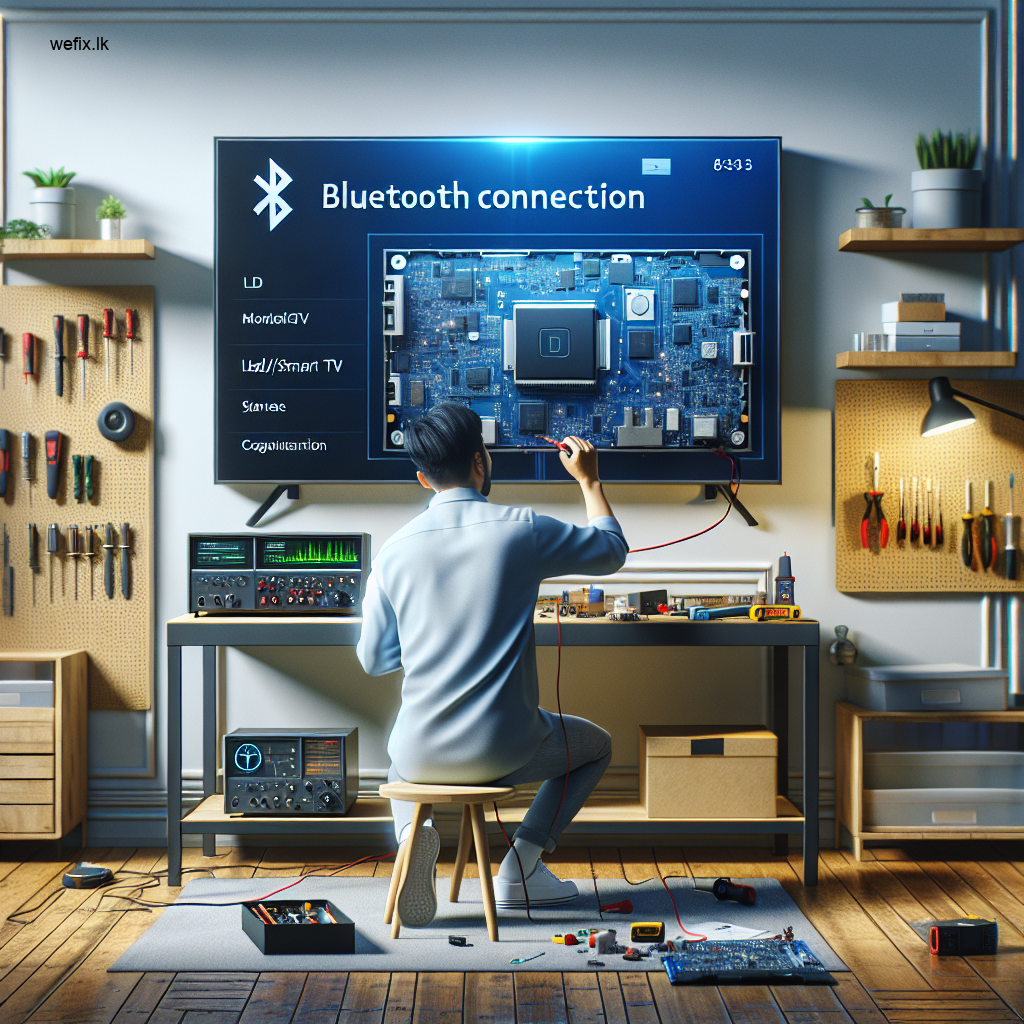
- Software Diagnostics: Our technicians connect specialized diagnostic tools to check the TV’s firmware integrity, Bluetooth driver status, and for any software conflicts.
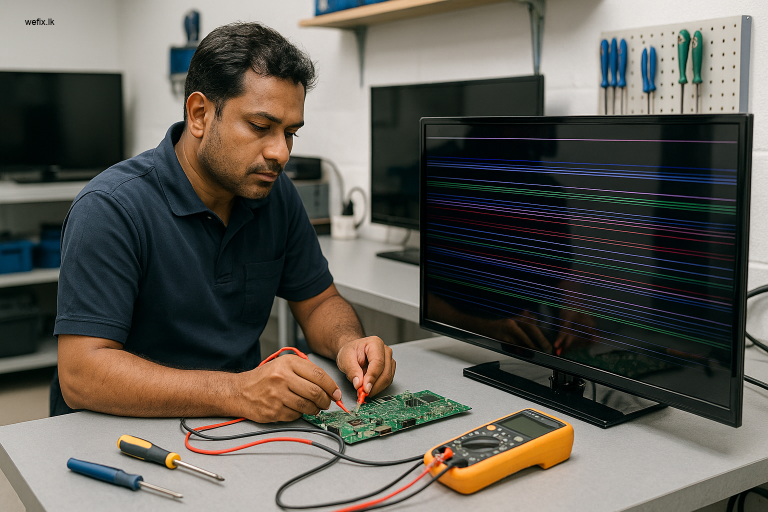
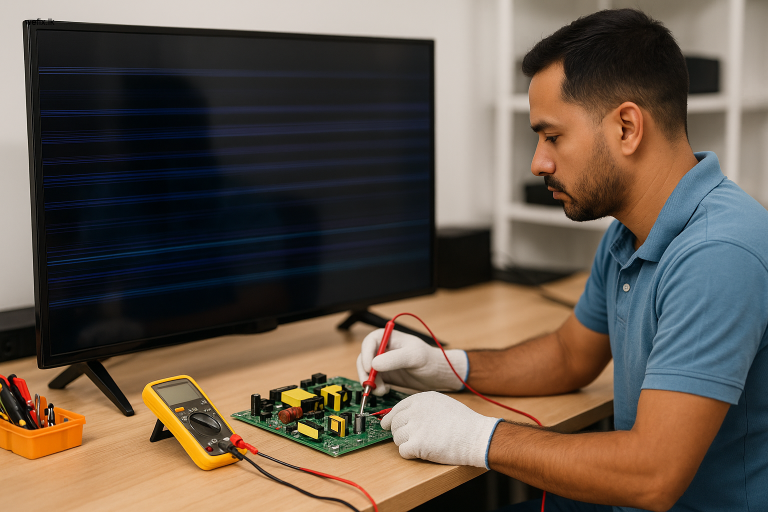
- Hardware Inspection: We open the TV panel (in our secure workshop or during a home visit) to visually inspect the Bluetooth/Wi-Fi module for signs of damage, like burnt components or poor solder joints.
- Signal & Compatibility Testing: We test pairing with multiple certified Bluetooth devices to rule out incompatibility and check for environmental interference.
- Clear Explanation: We then provide you with a clear, honest report on whether the issue is a software bug, requires a module replacement, or has another cause, along with a transparent quote.
Our Step-by-Step Repair & Solution Process
Once diagnosed, here’s how we fix your Smart TV in Colombo:
- For Software/Firmware Issues:
- We perform a safe, controlled firmware reinstallation or update using stable sources.
- We clear the corrupted pairing cache and reset Bluetooth settings without a full factory reset, preserving your data where possible.
- We adjust advanced network settings to minimize WiFi/Bluetooth interference.
- For Hardware/Bluetooth Module Failure:
- We source a high-quality, compatible replacement Bluetooth module specific to your TV brand (Samsung, LG, Sony, etc.).
- Our technicians carefully de-solder the faulty module and install the new one with precision soldering equipment.
- We reassemble the TV, ensuring all connections are secure, and conduct rigorous post-repair testing with multiple Bluetooth devices to ensure stable, long-lasting connectivity.
Prevention Tips for Colombo Users
To minimize future Bluetooth issues with your Smart TV:
- Regular Updates: Enable automatic firmware updates for your TV to ensure you have the latest compatibility patches.
- Power Management: Use a quality surge protector to shield your TV from Colombo’s occasional power fluctuations.
- Reduce Interference: Keep routers, microwaves, and other USB devices away from your TV. When pairing, turn off other nearby Bluetooth devices.
- Orderly Pairing: Put your Bluetooth device (headphones, soundbar) into pairing mode before searching on the TV menu.
- Routine Maintenance: Consider periodic professional check-ups for your electronics to catch potential issues early.
Why Professional Service is Non-Negotiable
Attempting to open and repair a modern LED or Smart TV yourself in Colombo is fraught with risk. These TVs contain high-voltage components even when unplugged and have fragile LCD/LED panels that are easily damaged. Without the right tools and parts, you could cause permanent damage, turning a repairable Bluetooth issue into a costly panel replacement. Professional service ensures safety, uses correct components, and provides a warranty on the repair—giving you peace of mind.
About WeFix.lk: Your Colombo-Based Tech Solution Experts
At WeFix.lk, we are more than just repair technicians; we are your local technology partners in Colombo. For years, we’ve helped families and businesses across Sri Lanka’s capital with reliable, trustworthy service. Our expertise spans both electronics repair and business technology solutions. Whether it’s fixing a Samsung TV’s Bluetooth, installing a POS billing system for a retail shop in Sri Lanka, or developing a custom CRM for a Colombo business, our commitment is to practical, effective solutions. We combine technical skill with a genuine understanding of our customers’ needs, offering both in-shop and convenient home visit services for repairs.
Need help from WeFix.lk in Colombo?
Don’t let technology issues drag you down. Our expert technicians are ready to help you restore functionality and peace of mind.
- Electronics repair: LED TV repair
- Backlight repair
- Panel repair
- Smart TV software issues
- Home visit service
Contact WeFix.lk today for a fast diagnosis and a permanent fix. WhatsApp or call us to book a repair service!